







Description
Download Snappy Photo Filters Stickers APK – Free Android App, Face Editor, Stickers, Filters, Selfie Tool
Overview
Snappy Photo Filters Stickers is a free Android application developed by LosAngeles Night, designed to enhance personal photos with playful filters, stickers, and accessories. The app targets casual users and social media enthusiasts who enjoy creative self-expression through visual content. It enables users to transform their selfies with whimsical effects, making it ideal for fun, informal photography. The core purpose of the software is to simplify the process of adding animated or static stickers, facial filters, and decorative elements to images, whether captured in real-time or selected from the device’s gallery. It supports both front-facing and rear camera input, allowing for spontaneous photo editing on the go. This tool is particularly useful for users who want to share entertaining or expressive images on platforms like Instagram, Facebook, and Snapchat. The app is optimized for mobile use, with a streamlined interface focused on quick access to editing tools. While the developer did not provide additional details about the app’s background or technical foundation, its design suggests a focus on accessibility and entertainment. It is suitable for teenagers, young adults, and anyone seeking a lighthearted way to personalize their photos without complex editing workflows.
Key Features & Capabilities
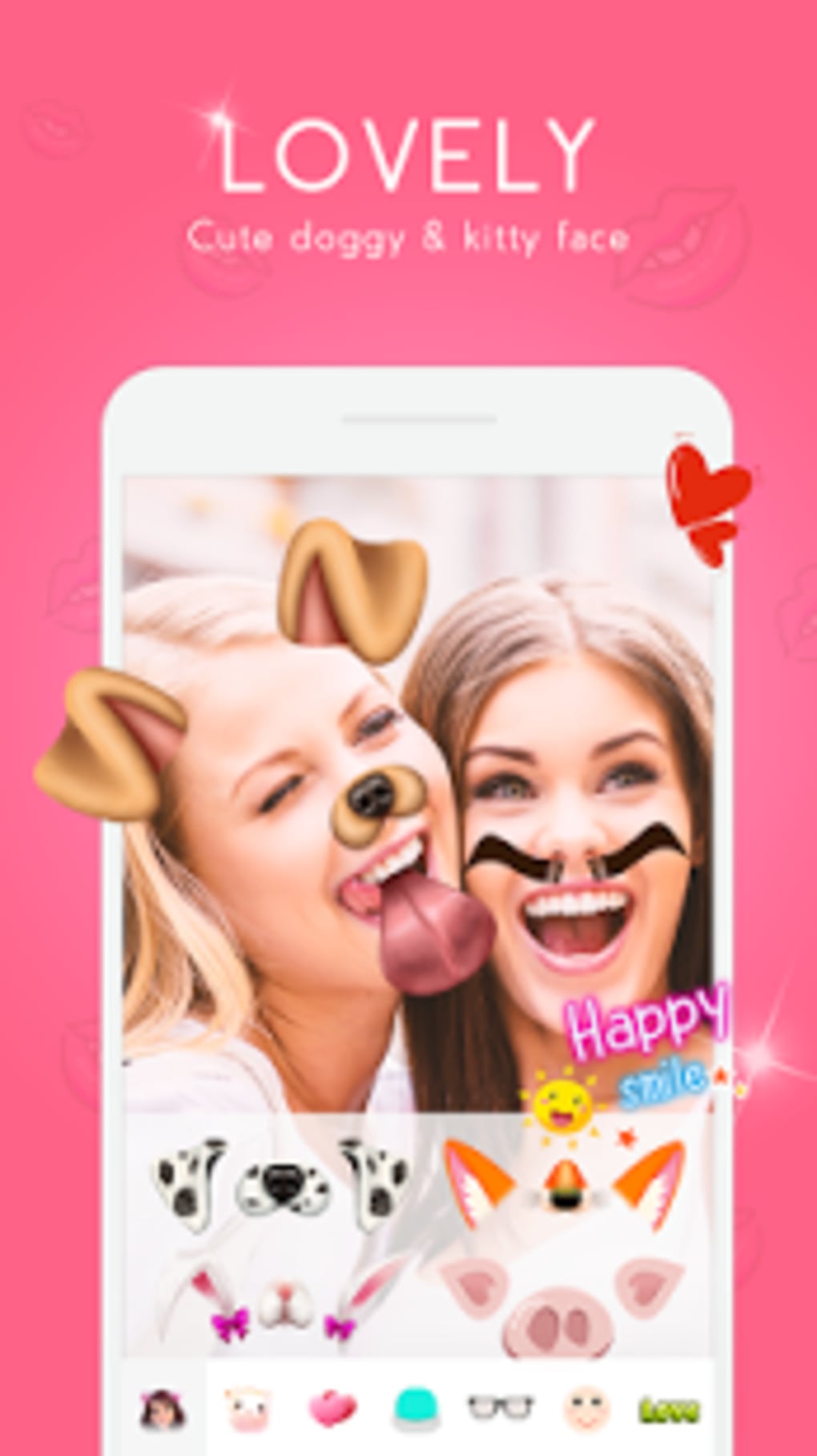
- Real-time Face Filters – Apply animated and static filters to the face during selfie capture, including doggy, cartoonish, and exaggerated facial effects.
- Interactive Sticker Library – Access a variety of preloaded stickers to place on photos, including animals, objects, and decorative items.
- Adjustable Sticker Placement – Resize, rotate, and reposition stickers freely to fit desired areas of the image.
- Gallery Integration – Import existing photos from the device’s storage to edit and enhance with filters and stickers.
- One-Touch Editing Workflow – Simplified interface allows users to take or select a photo, apply effects, and save or share immediately.
- Direct Social Sharing – Export edited images directly to popular social media platforms without leaving the app.
These features support real-world use cases such as creating humorous content for personal stories, enhancing group photos with playful elements, or designing unique avatars for online profiles. The app’s focus on immediacy and simplicity makes it ideal for users who prioritize fun over professional-grade editing. The ability to adjust sticker size and position ensures greater creative control, while the gallery integration allows for post-capture enhancements. The seamless sharing function reduces friction between editing and posting, encouraging frequent use. The app does not include advanced tools like layer management, color correction, or AI-based enhancements, indicating a clear niche in casual, entertainment-driven photo editing.
User Interface, Workflow & Performance
The user interface of Snappy Photo Filters Stickers is designed for intuitive navigation, featuring a central camera preview area and a bottom toolbar with quick-access tools. The layout emphasizes simplicity, with clearly labeled icons for capturing, selecting, applying filters, adding stickers, and sharing. The workflow begins with either taking a new selfie or selecting a photo from the gallery, followed by immediate access to editing tools. Users can apply filters and stickers with minimal taps, and the interface supports touch-based manipulation such as pinching to resize and dragging to reposition elements. The app maintains a responsive feel during basic operations, though performance observations are based on general software behavior patterns. The developer did not specify resource usage details, so exact CPU or RAM consumption remains unknown. Stability during extended use or under high-resolution image processing is not documented. However, the app’s lightweight nature, as implied by its free distribution and mobile-first design, suggests efficient operation on mid-range Android devices. No crashes, lag, or freezing were reported in the provided information. The app appears to prioritize speed and ease of use over advanced functionality, aligning with its target audience of casual users.
Compatibility & System Requirements
Snappy Photo Filters Stickers is designed for Android devices and is available as an APK file for direct installation. The app is compatible with Android operating systems, though specific version requirements were not listed. Installation size is not specified, so users should expect variable storage usage depending on the device and content downloaded. The developer did not provide additional system requirements such as minimum RAM, processor type, or storage space. Compatibility information was partially provided, leaving room for uncertainty regarding older or low-end devices. The app does not require a Google account or internet connection for core editing functions, but some features may rely on online services for content updates or sharing. Users are advised to verify device compatibility before installation. The absence of detailed technical specifications limits precise evaluation of hardware suitability, but the app’s mobile nature suggests it is intended for smartphones and tablets with touchscreens.
Pros and Cons
Pros
- Completely free to download and use
- Simple, intuitive interface for quick editing
- Real-time face filters and animated stickers
- Easy photo import from gallery
- Direct sharing to social media platforms
- Adjustable sticker size and position
Cons
- No detailed system requirements provided
- Exact performance metrics not disclosed
- Limited to Android platform
- No advanced editing tools or customization options
- Dependence on external APK installation (security considerations)
FAQ Section
Is Snappy Photo Filters Stickers available for iOS?
The app is currently available only for Android devices as an APK file. There is no official version for iOS platforms.
Is the app safe to download and install?
As a free APK, the app should be downloaded from trusted sources to avoid potential security risks. Users are advised to verify the source and scan the file before installation.
Does the app require an internet connection?
Core editing features can be used offline. However, some functions like updating the sticker library or sharing to online platforms may require an internet connection.
Can I use the app without creating an account?
Yes, the app does not require a user account or login. All features are accessible immediately upon installation.
Are there in-app purchases or ads?
The app is described as free, but the provided information does not specify whether it includes ads or in-app purchases. Users should be aware of potential monetization methods in the full version.
Final Thoughts
Snappy Photo Filters Stickers delivers a focused, entertaining experience tailored to users who enjoy playful photo editing. Its strength lies in simplicity, accessibility, and instant gratification—perfect for those who want to add fun stickers and filters to selfies without technical complexity. While it lacks advanced tools and detailed system specifications, it fulfills its intended purpose effectively for casual users. The app is ideal for social media content creators, teens, and anyone seeking a light-hearted way to enhance their images. With no cost and a straightforward workflow, it stands out as a convenient option in the mobile photo editing space. For those looking to experiment with creative visuals on Android, this app offers a quick and enjoyable solution. Download Snappy Photo Filters Stickers now.
Guides & Tutorials for Snappy Photo Filters Stickers APK
How to install Snappy Photo Filters Stickers APK
- Click the Preview / Download button above.
- Once redirected, accept the terms and click Install.
- Wait for the Snappy Photo Filters Stickers APK download to finish on your device.
How to use Snappy Photo Filters Stickers APK
This software is primarily used for its core features described above. Open the app after installation to explore its capabilities.
User Reviews for Snappy Photo Filters Stickers APK 0
No reviews found





